
Website builder
Build it by dragging. Change it by asking.
A drag and drop editor made for real estate websites, with sections for your listings, your neighborhoods and your reviews. Or ask your own ChatGPT or Claude to make the change.
Sections
- Cover
- Listings
- Testimonials
- Contact form

Homes in Silver Lake and Echo Park
Maya Torres, real estate agent


“Maya knew every street, and our home sold in nine days.”
Three ways to build
Start with a site made for you, shape it by hand, and hand the small changes to your AI.
Set up for you
Pick a design and tell us your market. We build your site and send your login within one business day.
Coming soonAnswer a few questions and AI drafts your bio, area pages and home page at sign-up.
Drag, drop and publish
Open any page in Studio and change it right where it sits: drag a section into place, type over the words, swap a photo. Nothing goes live until you publish.
Ask your AI
Connect your own ChatGPT or Claude account and ask: add a page, move a section, change a photo. It saves a draft and publishes only when you say so.
An editor you can see your site in
You edit the page your visitors see, not a form about it.
The editor works on a computer screen. On a phone, Studio opens the simpler page panels instead.
Drag sections into place
Pick a section up by its name and drop it where it belongs. Pieces move between columns the same way.
Type right on the page
Double-click a heading or a paragraph and write. Your words keep the design’s type.
Photos with a focus point
Upload a photo, then choose the part of it that stays in view on every screen.
Undo, redo, autosave
Every change is kept as you go, and any step can be taken back.
Desktop and phone preview
See the page as a phone shows it before you publish.
Drafts first
Publish one page at a time, and undo the last publish if you change your mind.
Sections made for real estate
Twenty-seven ready sections for any page, three more for your neighborhood pages, and a custom section with six layouts for anything else.
Introduce yourself
- Cover
- Statement
- Numbered heading
- Agent intro
- Team members
- Text
- Image and text
- Video
Show your listings
- Listings
- Open houses
- Search bar
- Photo gallery
- Image
Build trust
- Testimonials
- Google reviews link
- Press mentions
- Figures
- Quote
Turn visitors into leads
- Contact form
- Sign-up
- Call to action
- Steps
- Services
- FAQ
- Embed
Know the neighborhood
- Neighborhoods
- Latest posts
- Neighborhood cover
- Market snapshot
- Neighborhood guide
The last three are made for your neighborhood pages.
Custom section
Six column layouts and eleven pieces to arrange: headings, text, buttons, images, film, lists, quotes, figures, icons, spacers and dividers, on a plain, soft, dark, photo or film background.
Or just ask
With the connector, your own ChatGPT or Claude builds and edits pages for you, and every change waits as a draft.
See what the connector can do- You
Add a Sellers page with a cover, three steps to selling, and a contact form.
- Claude
One Stop Agent: Page drafted
Your Sellers page is saved as a draft with a cover, three steps and a contact form. Want it in your menu?
- You
Yes, add it to the menu and publish it.
- Claude
One Stop Agent: Published
It’s live, and it’s in your menu after About.
Change your look anytime
Five designs, each made for real estate. Switch between them and your pages keep every section; the new look waits as a draft until you publish.

Sunset
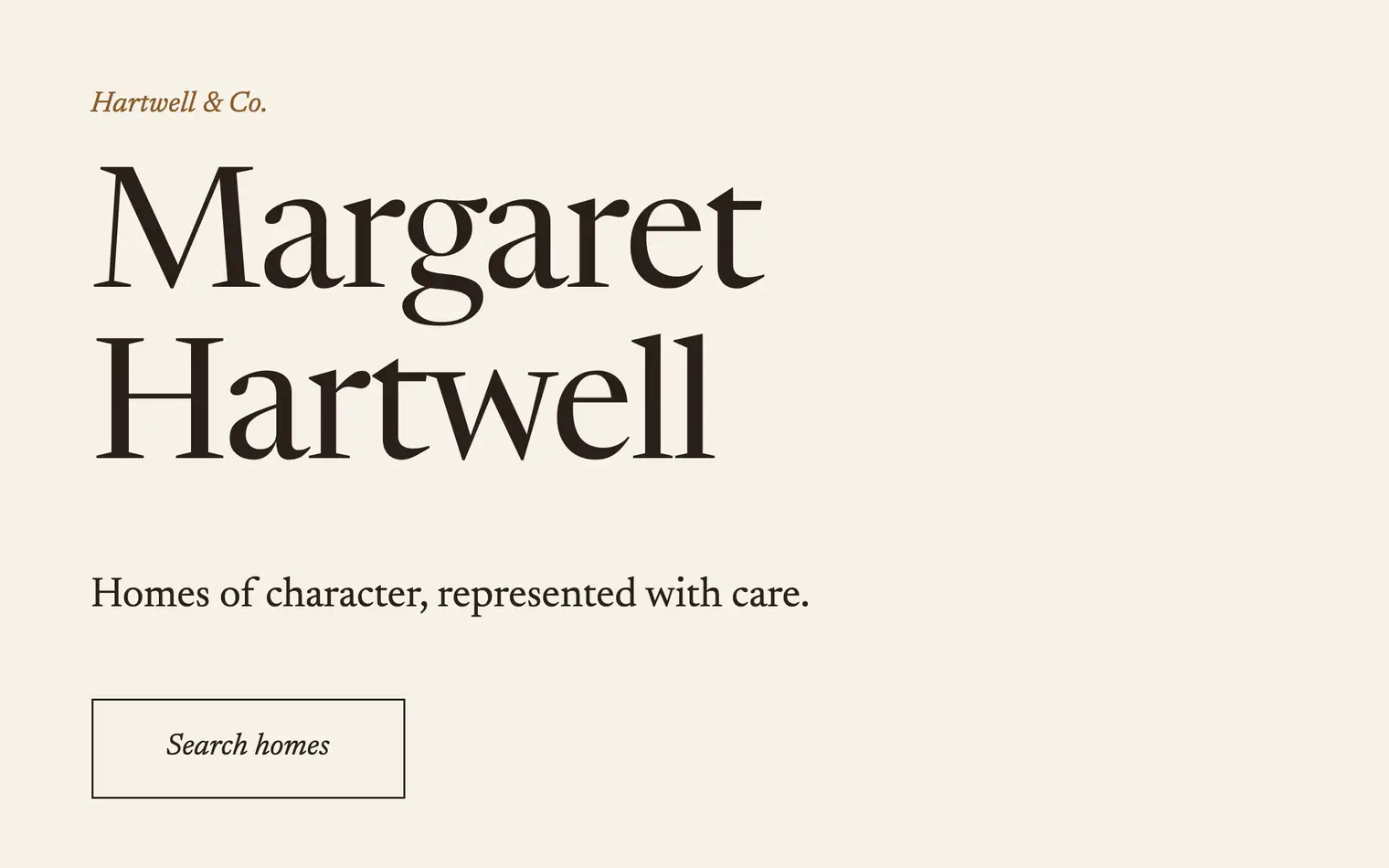
Laurel

Crest
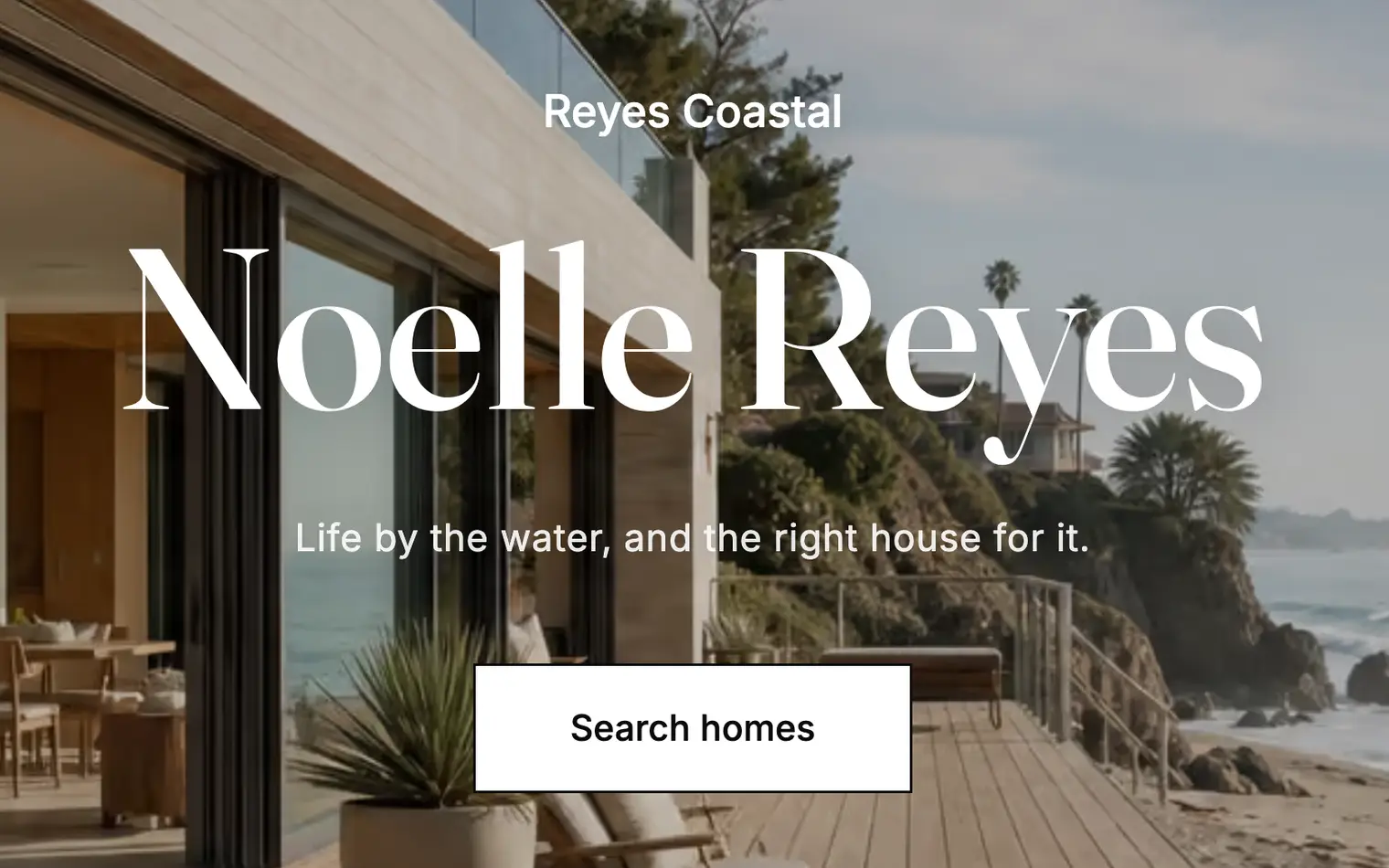
Marina

Skyline


Questions
Do I need to know how to code?
No. You build with ready sections and edit on the page. Nothing in Studio asks for code.
Do I have to use AI?
No. Every page can be built and edited by hand in the editor. The connector for ChatGPT and Claude is there when you’d rather ask.
Is it really drag and drop?
Yes. Pick a section up by its name and drop it where you want it, or drag it in the page’s outline. Arrow buttons and the keyboard move sections too.
Can I edit my site on my phone?
The drag and drop editor works on a computer screen. On a phone, Studio opens simpler page panels, and you can ask your AI assistant to make a change from anywhere.
Do my changes go live right away?
No. Changes save as a draft as you work, and a page goes live when you publish it. You can undo the last publish.
What happens to my pages if I switch designs?
They keep their sections and your words. The new design waits as a draft until you publish your home page.
Build a site that looks like your business
Every real estate agent website plan includes the editor, all five designs and the connector for ChatGPT and Claude.